Completing BDO’s Manufacturing Resilience Review on mobile app
BEGIN THE MANUFACTURING RESILIENCE REVIEW
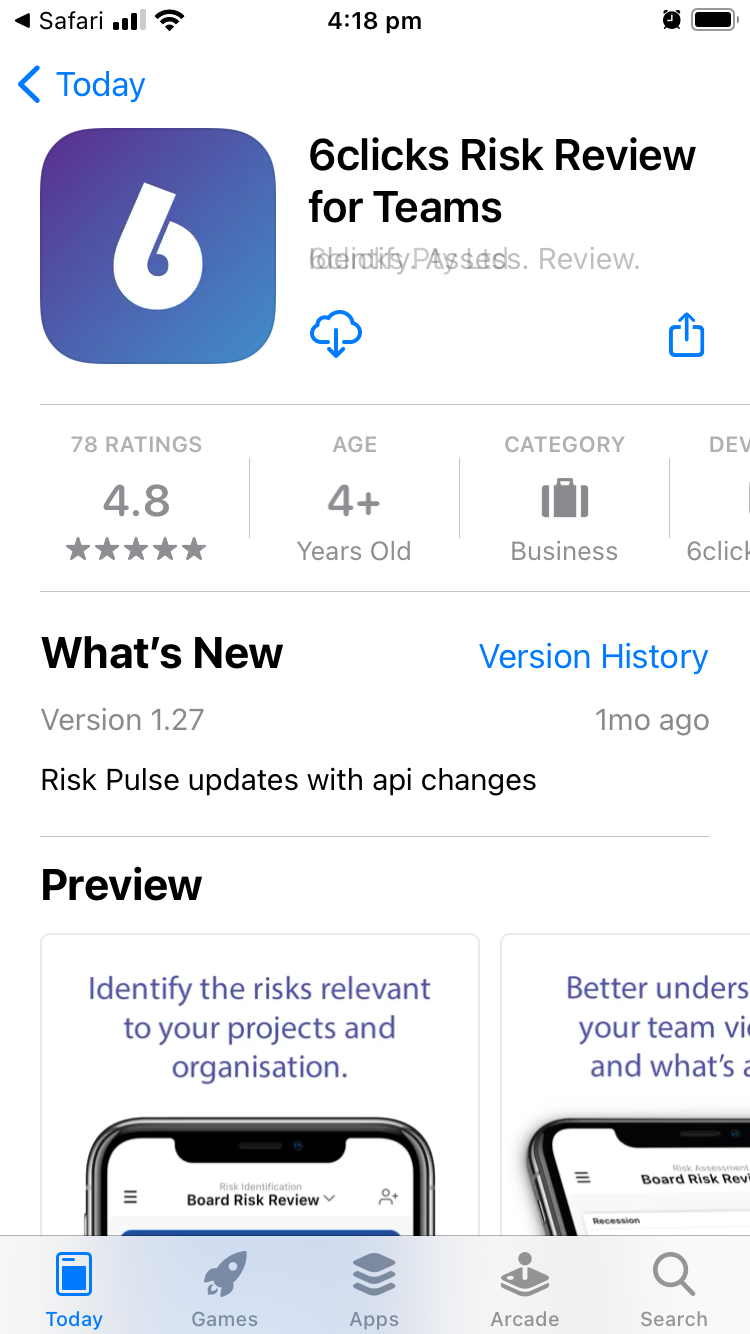
1. Using your mobile phone, launch the Manufacturing Resilience Review.
2. The link will take you to the App Store to download the 6clicks Risk Review for Teams app.
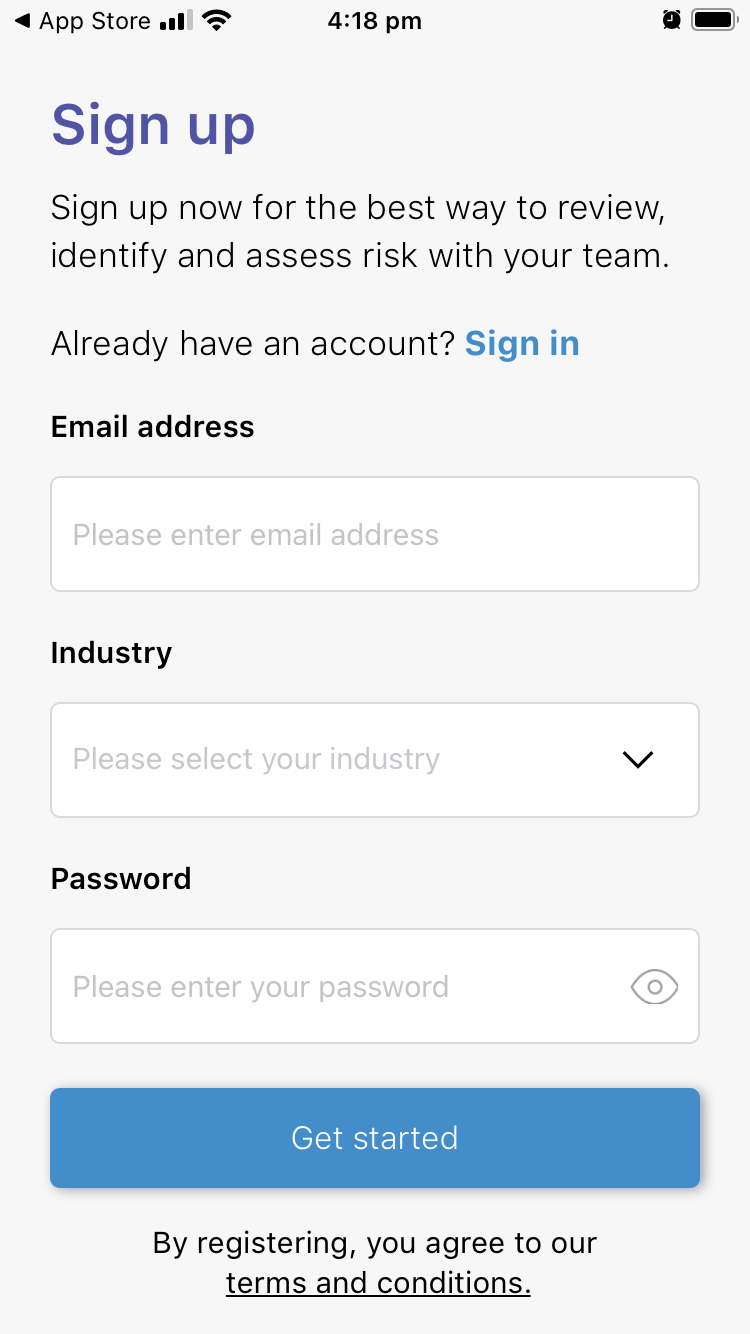
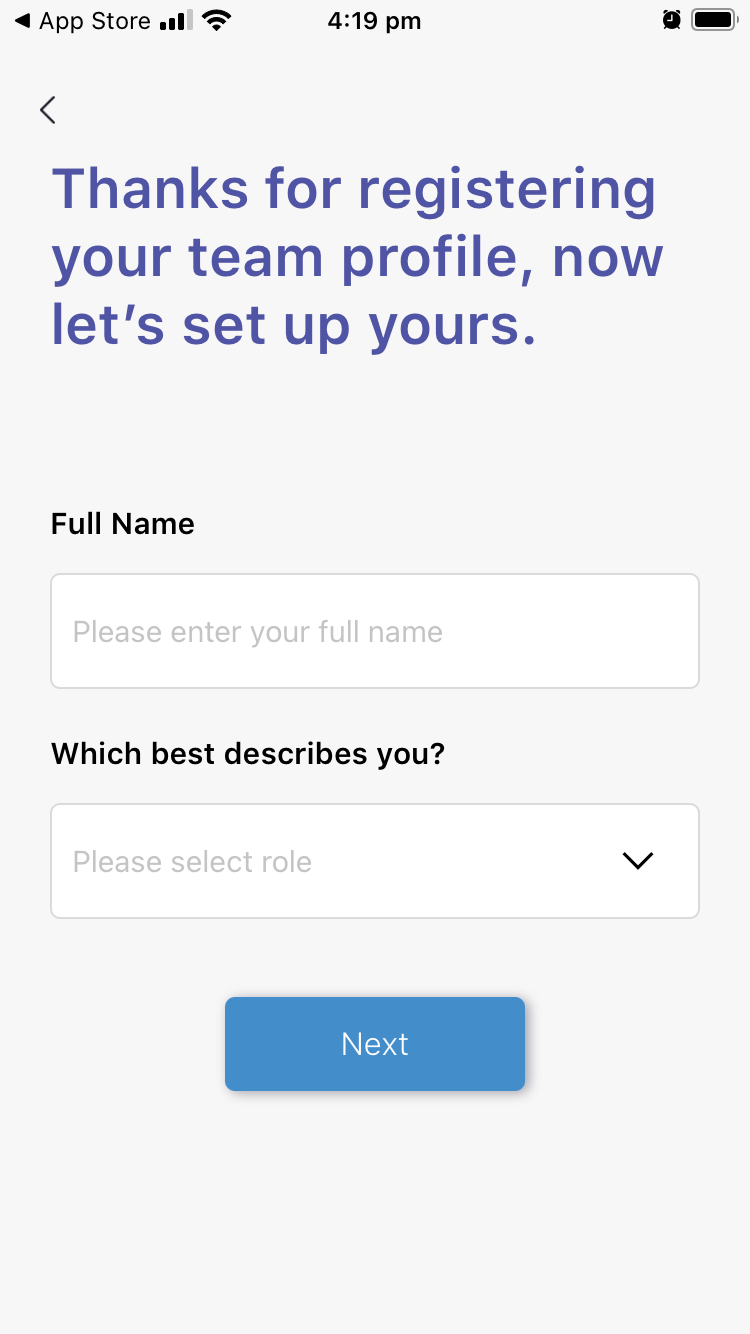
3. Sign up using your name and email.
4. You will be asked for a team name – enter a name that’s logical for your organisation.
 |
 |
 |
 |
| (click to expand images) | |||
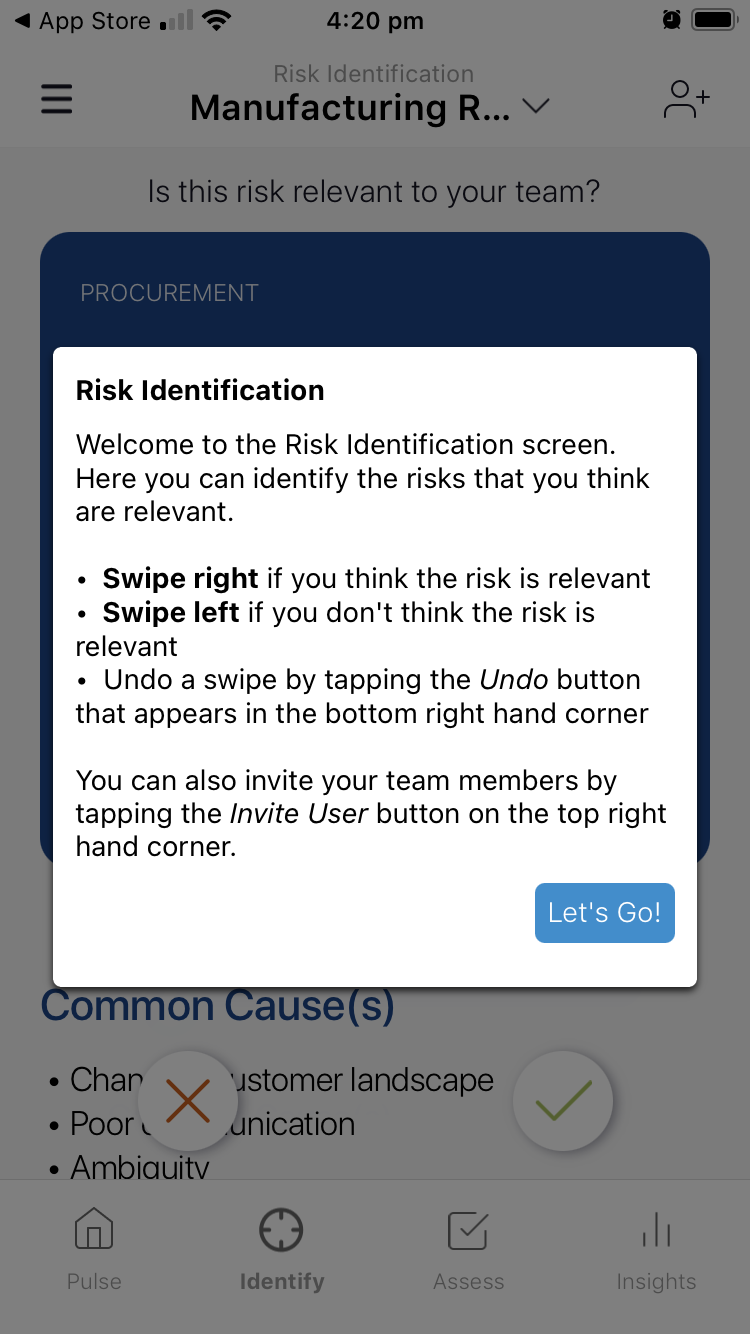
5. You will be taken straight to the Manufacturing Resilience Review.
6. Follow the app to:
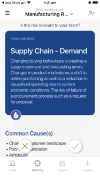
- Identify the risks that are relevant to your team and business (swipe right to include the risk in your review, or left to exclude the risk)
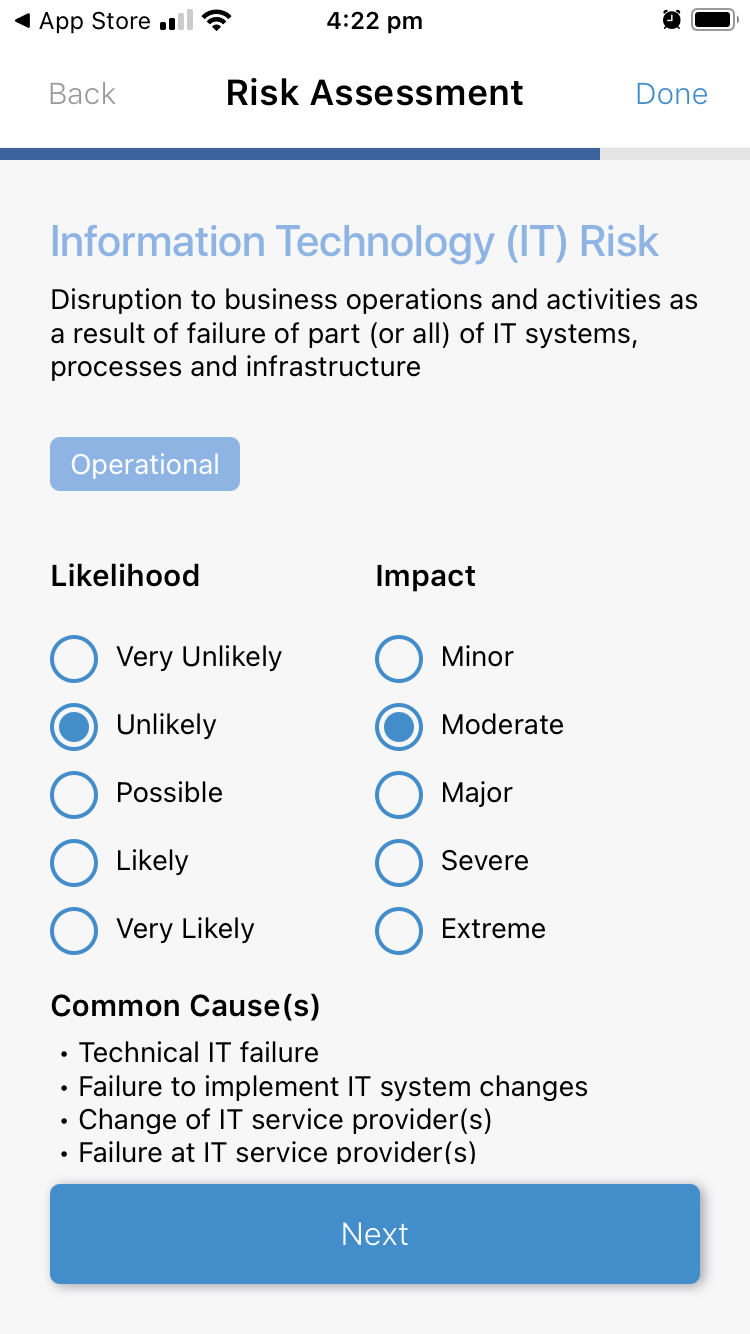
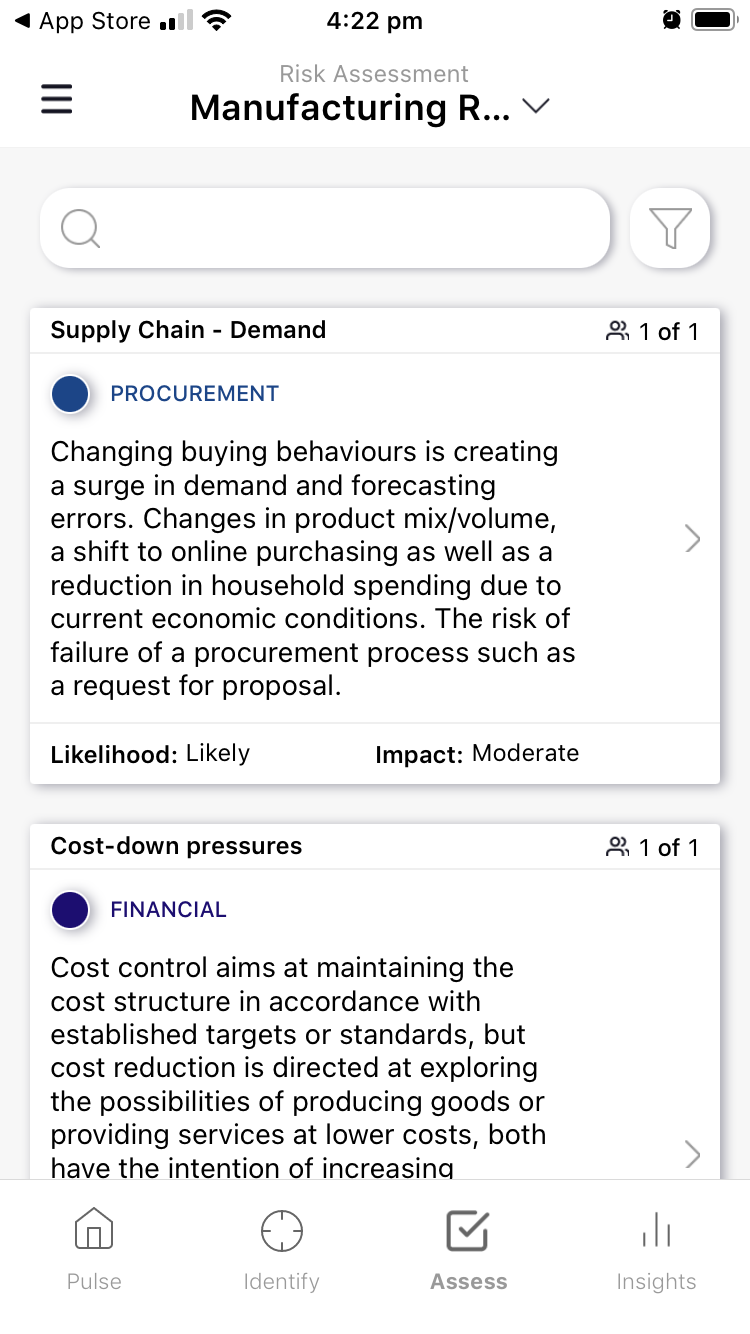
- Assess each risk for likelihood and impact.
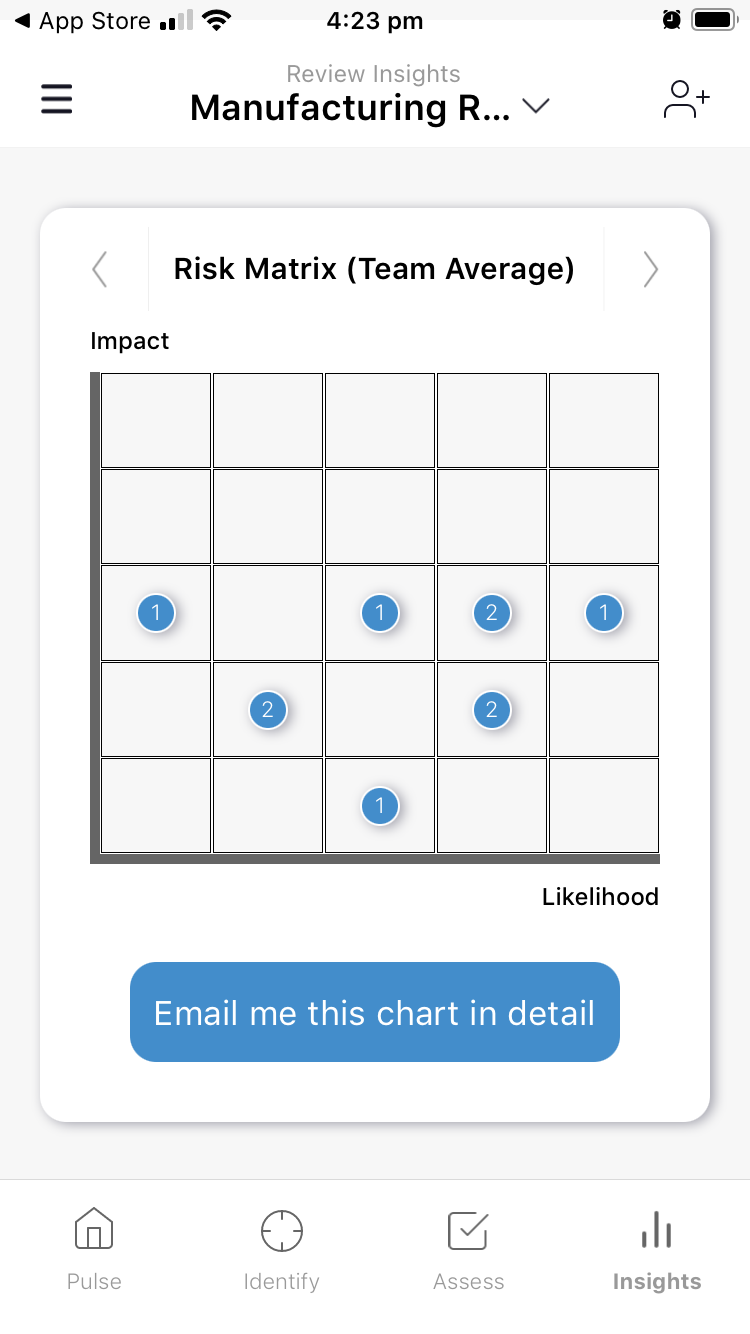
And you’re done. Go to the Insights section (bottom-right corner) to get a firmer grasp on the risks that affect your organisation.
 |
 |
 |
 |
| (click to expand images) | |||
Share with your team
For richer results for your business, you can invite other members of your team to complete the assessment. This will allow you to compare views, reach consensus and make data-driven decisions.
To share go to the Identify section. Make sure you’ve selected ‘Manufacturing Resilience’ (if you have more than one assessment), then click this symbol in the top-right of the screen:  .
.
Once your colleagues have responded, check back in on the Insights to gain a broader understanding of the risks faced by your organisation.
If you have completed the resilience review and would like to discuss anything further, call one of our manufacturing specialists today.